How Malaysians Can Verify Whether an App Is Legit Before Installing
Smartphone apps are deeply integrated into daily life in Malaysia. From banking and navigation to communication and entertainment, users rely on mobile applications for convenience and efficiency. However, as app usage increases, so does the risk of installing applications that are misleading, poorly designed, or unsafe.
Many Malaysian users assume that an app is legitimate if it looks professional, has many downloads, or is shared by someone they trust. In reality, legitimacy is determined by behaviour and transparency, not appearance. This article explains how users in Malaysia can reasonably verify whether an app is legitimate before installing it, using practical checks that do not require technical expertise.
What “Legit” Really Means for Mobile Apps
A legitimate app does not mean a perfect or risk-free app. Instead, it generally means the app:
- Clearly states its purpose
- Requests permissions that match its function
- Is distributed through transparent methods
- Behaves consistently after installation
An app can still be legitimate even if it is unavailable in a local app store, but it must show predictable and reasonable behaviour.
Why App Verification Is Especially Important in Malaysia
Malaysia has a highly diverse mobile ecosystem:
- Android and iOS devices across many price ranges
- Older smartphones still widely in use
- Heavy reliance on messaging platforms such as WhatsApp and Telegram for link sharing
These conditions increase the likelihood that users encounter apps outside official stores or through informal channels. This makes user-level verification a critical habit.
Step 1: Clearly Identify the App’s Purpose
Before installing any app, users should pause and ask:
- What problem does this app claim to solve?
- Is the description specific or vague?
- Does the app promise unrealistic outcomes?
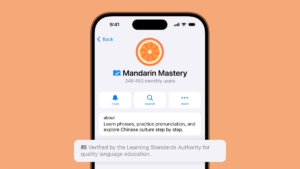
Legitimate apps explain their function clearly. Apps that rely on buzzwords, urgency, or unclear benefits should be treated cautiously.
Step 2: Understand How the App Is Distributed
How an app is distributed often provides the strongest clues about its legitimacy.
- Apps on Google Play Store or Apple App Store undergo platform review
- Apps shared via direct links rely more heavily on user judgement
If an app requires manual installation, users should understand why it is not available through official channels rather than assuming it is normal.
Step 3: Review Permissions Carefully
Permissions reveal what an app can do beyond its stated purpose.
Users should question:
- Why does this app need this permission?
- Is the permission essential to its function?
- Does the app request access unrelated to its role?
For example, a simple utility app requesting contact or SMS access deserves closer scrutiny.
Step 4: Check Consistency in App Information
Legitimate apps usually show consistency across:
- App name and icon
- Version numbering
- Developer or publisher identification
Inconsistencies such as spelling errors, mismatched names, or unclear version history may indicate poor maintenance or misrepresentation.
Step 5: Treat Reviews as Supporting Information Only
Reviews can provide user experience insights, but they are not proof of safety.
In Malaysia:
- Reviews may be region-biased
- Users may comment on performance rather than security
- Reviews may not reflect long-term behaviour
Reviews should complement, not replace, other verification steps.
Step 6: Be Cautious With Shared App Links
Apps shared through messaging platforms are common in Malaysia, especially among family and community groups.
Users should:
- Examine the link carefully
- Avoid shortened or disguised URLs
- Be cautious of messages creating urgency or pressure
Trusting the sender does not guarantee the app itself is trustworthy.
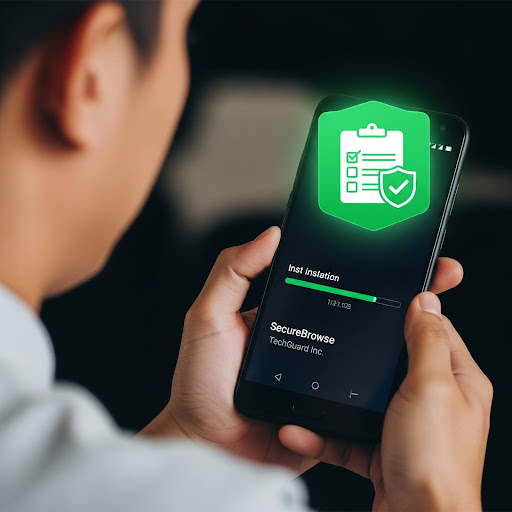
Step 7: Observe Behaviour After Installation
Verification continues after installation.
Users should monitor:
- Battery drain
- Data usage
- Unexpected pop-ups
- New permission requests
Apps that behave inconsistently with their stated purpose should be reconsidered.
Common Misunderstandings Among Malaysian Users
“If many people use it, it must be safe.”
Popularity does not equal transparency.
“If it installs successfully, it’s fine.”
Installation confirms compatibility, not legitimacy.
“Professional design means professional behaviour.”
Visual quality does not reflect internal function.
When Not Installing Is the Best Choice
Users should avoid installing an app when:
- Its purpose is unclear
- Permissions are excessive
- Distribution is unexplained
- There is no clear need for the app
Choosing not to install is a valid and responsible decision.
Verification Is a User Responsibility
Platforms provide safeguards, but no system replaces informed user judgement.
In Malaysia, responsible app usage means:
- Understanding system warnings
- Avoiding impulsive installs
- Making deliberate choices
These habits reduce long-term digital risk.
Conclusion
A legitimate app is not defined by popularity or appearance, but by clarity, consistency, and reasonable behaviour.
For Malaysian users, verifying an app before installation does not require advanced tools — only awareness and careful observation. These habits support safer, more confident app usage over time.
For additional Malaysia-focused guidance on app verification and responsible usage, readers may refer to GuideSee.
Stay in touch to get more updates & news on Magazine Matter!